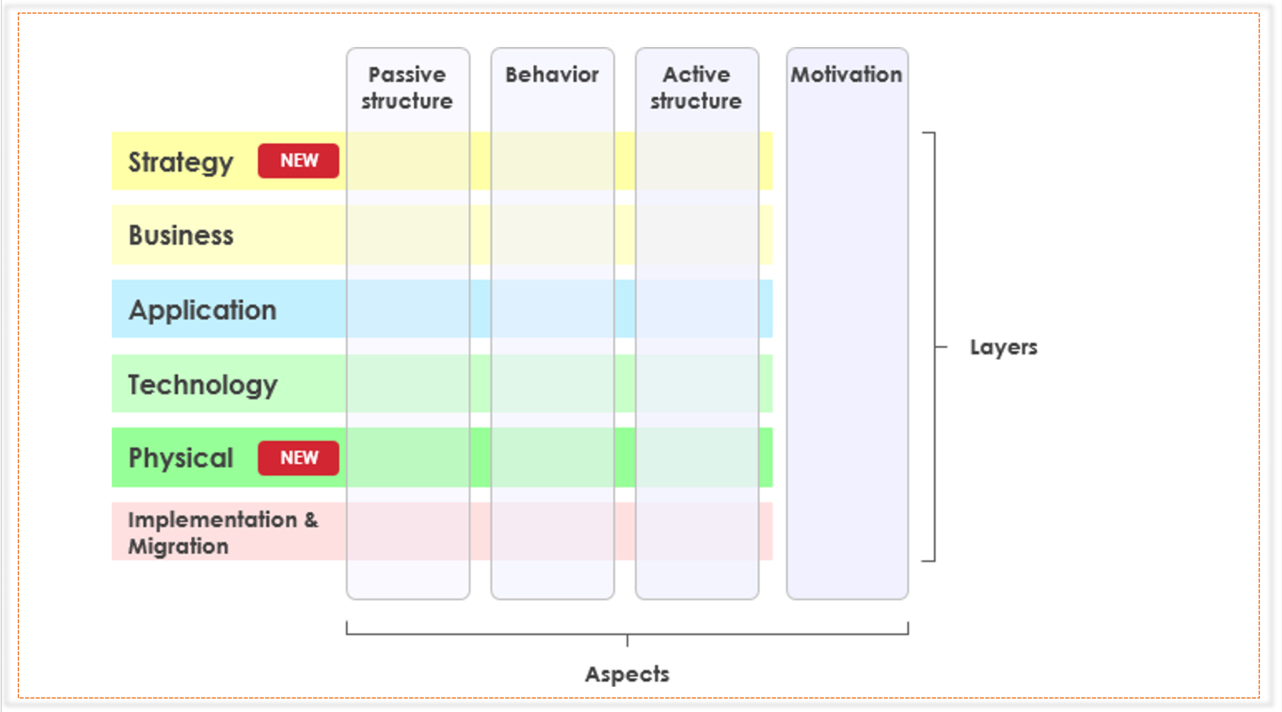
Click on the Region to Learn More!
The Default Color Coding Scheme is as follows:
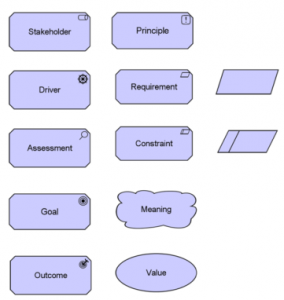
Purple - Motivation Extension
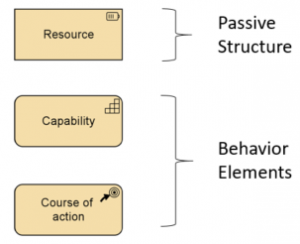
Brown - Strategy Layer
Yellow - Business Layer
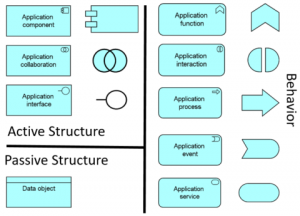
Blue - Application Layer
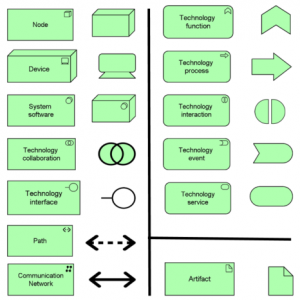
Green - Technology
Green - Physical Layer
Pink - Implementation & Migration
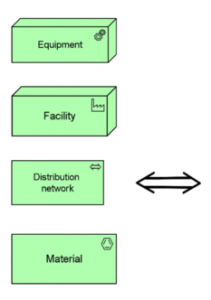
Implementation & Migration: Pink & Green Color
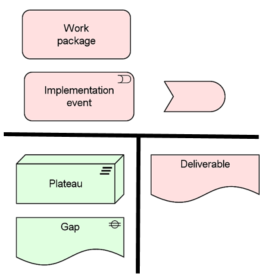
Pink Color in general, but Plateau and Gap elements are colored in Green by default
Aspect and Layer in ArchiMate
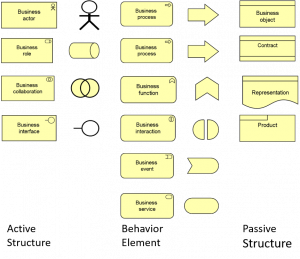
The active structure aspect represents the structural concepts i.e business actors, application components, and devices.
The behavior aspect represents the behavior i.e. processes, functions, events, and services performed by the actors.
The passive structure aspect represents the objects on which behavior is performed.
Layers and Aspects in ArchiMate
The Business layer offers products and services to external customers, which are realized in the organization by business processes performed by business actors and roles.
The Application layer supports the business layer with application services which are realized by (software) application components.
The Technology layer offers infrastructural services e.g., processing, storage and communication services needed to run applications.